Watch Your Bluebirds From Inside the Nest Box
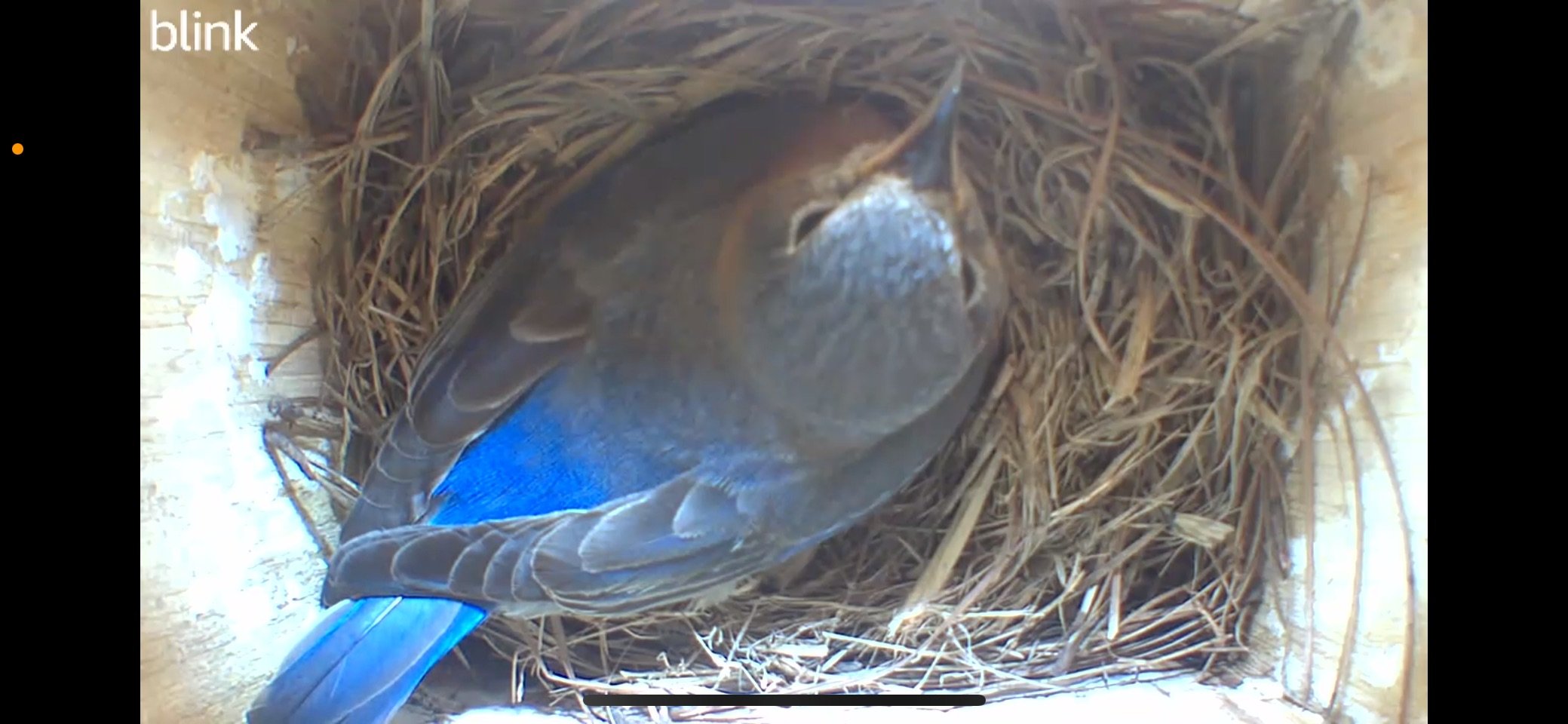
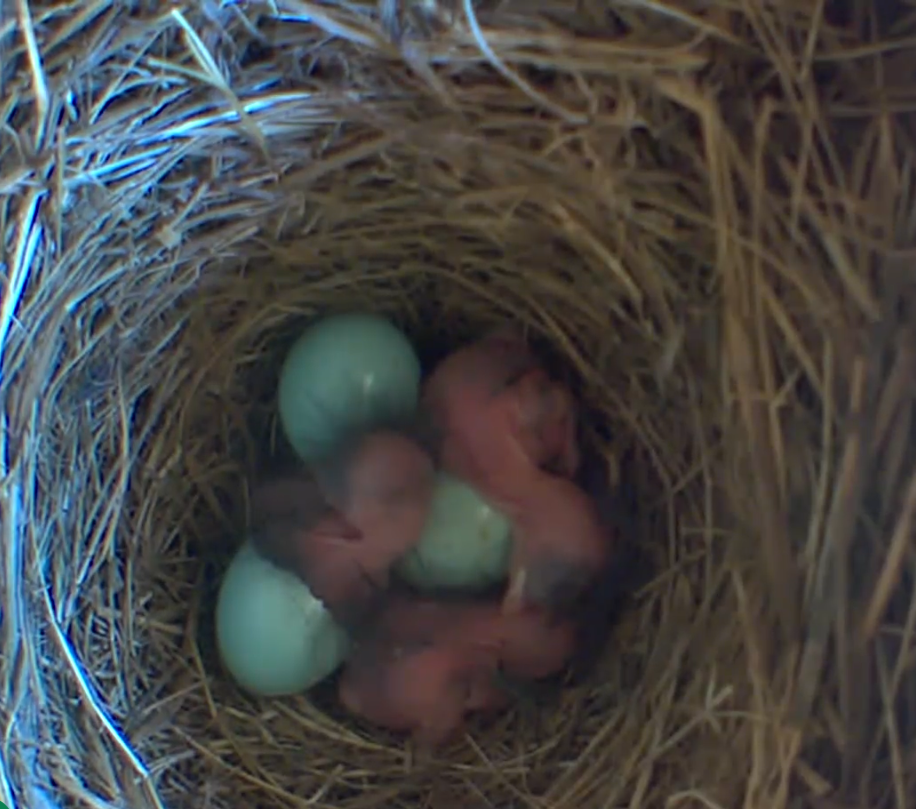
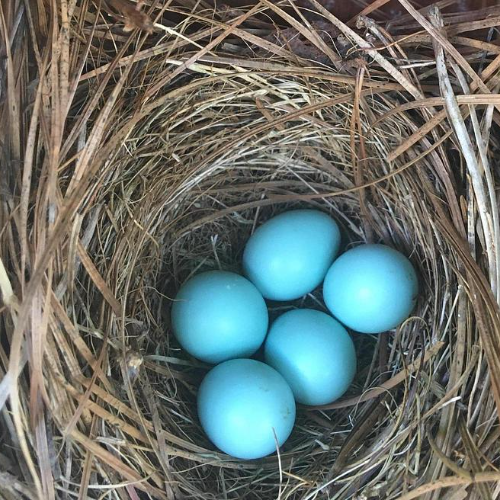
Adding a camera to your bluebird setup takes the whole experience to another level — and it's fun for all ages. Watching eggs hatch and babies grow from your phone is one of those rare things the whole family genuinely gets excited about. Here are the two approaches we recommend depending on your budget and how hands-on you want to be.

The DIY Setup (Budget Friendly)
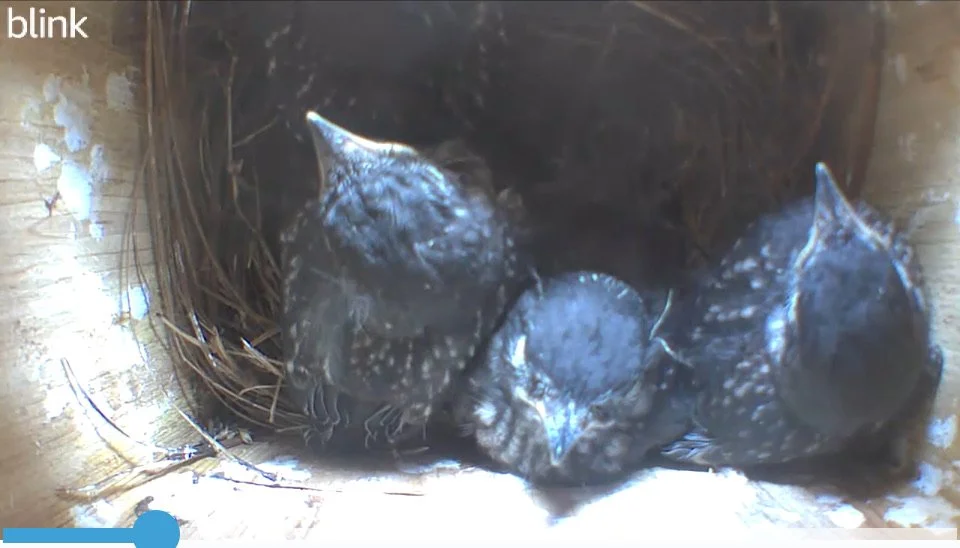
This is the setup we recommend for families who want an affordable DIY option. A Blink camera popped inside the nest box connects straight to your phone and is incredibly easy to set up. Add a small solar panel on top to keep it charged so you never have to think about the battery. If you already have a security camera system with a spare camera to spare, this is the easiest and most affordable route you'll find.
The All-In-One (Ready Right Out of the Box)
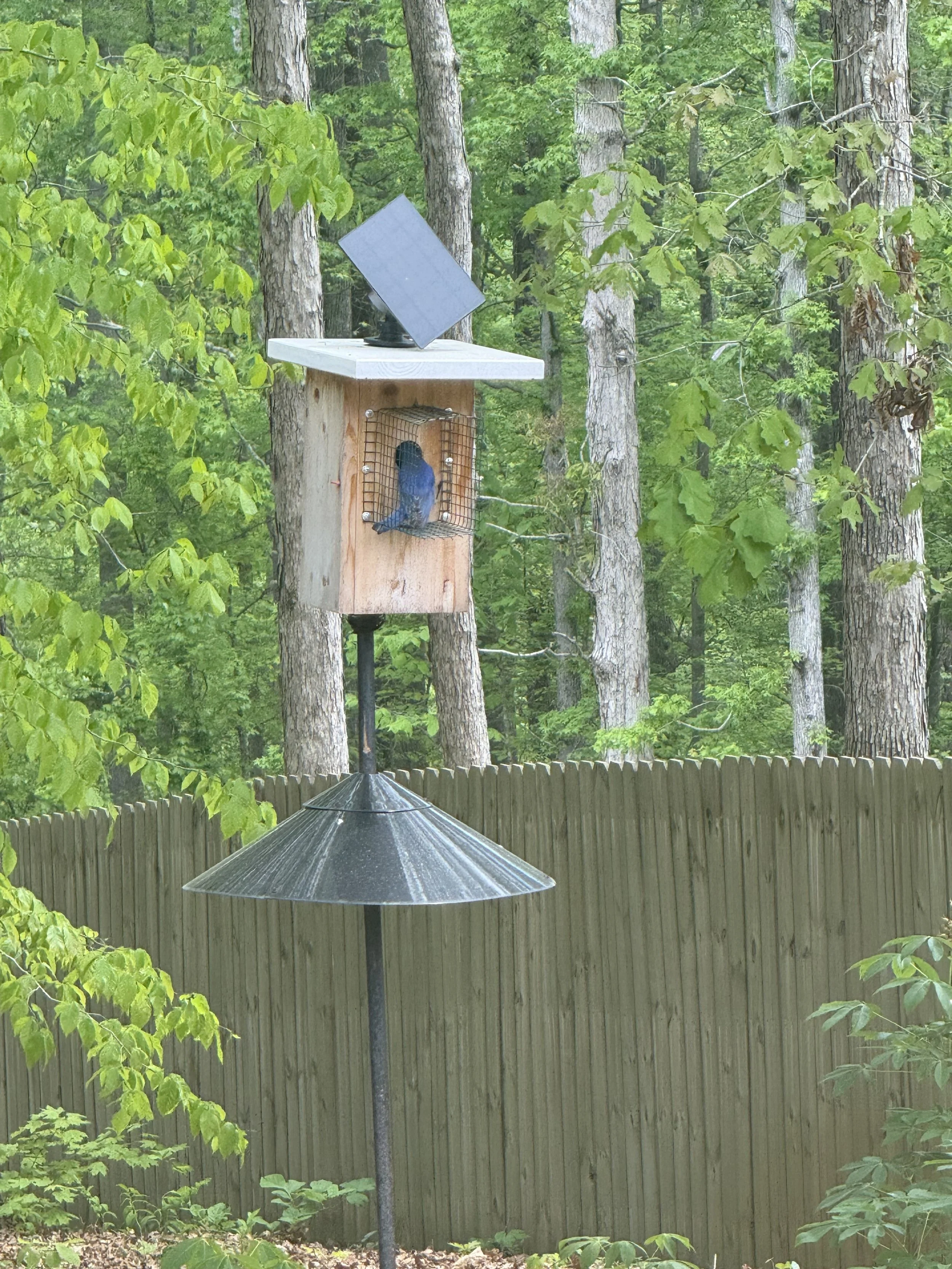
If you want something designed specifically for nest watching with zero setup hassle, Birdfy is the one to look at. The camera is already built in and connects straight to their app on your phone. We've had our eye on this one — it's the upgrade option we'd choose for someone who wants everything ready to go from day one.
Birdfy offers two options depending on how much you want to see — one with a camera inside the house only, and one with cameras both inside and outside. The inside camera shows you the nest and eggs up close, while the outside camera lets you watch the birds coming and going. If you're doing this with kids, the dual camera option is pretty special.
One thing worth knowing before you buy — Birdfy offers both a free and paid tier. The free version includes live viewing and motion alerts which is honestly all you need for a bluebird setup where you already know what bird you're watching. The paid tier adds AI bird recognition and cloud storage if you want to take it further.
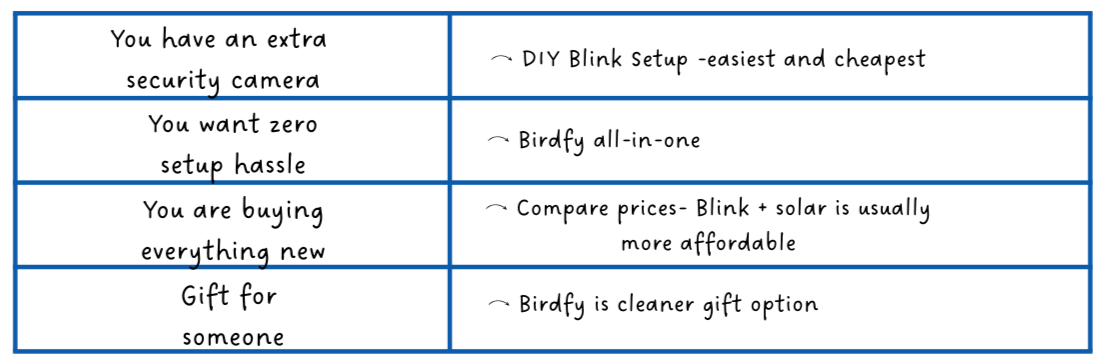
Which One Is Right for You?
This page contains affiliate links. We may earn a small commission if you purchase through our links, at no extra cost to you.
Back to the full setup guide
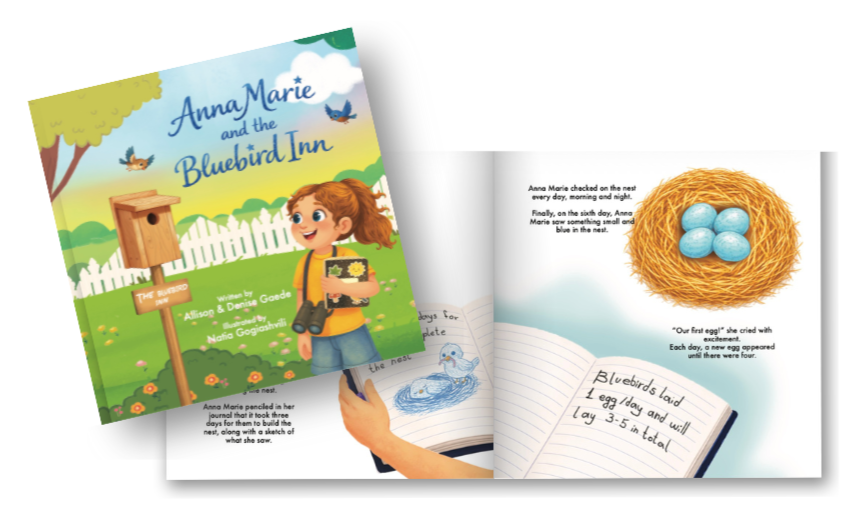
Help little ones learn about what they're watching
Share your nest cam footage with our community